Extension installed.

Need a hand?

You're all set.

Want to see and manage your policies in one place?

Next time you book on a supported carrier site, the extension offers cover in the same tab. A FreightInsure account lets you view, amend, cancel and export your policies.

Illustration of a FreightInsure delivery truck being loaded with boxes
FreightInsure Icon Green and White

Getting started

Four steps

to your first policy.

Here's how cover works with the extension, with or without an account.

Pin the extension

Click the puzzle icon in Chrome and pin FreightInsure so it's one click away.

Step 1

Book as usual

Start a booking on a supported carrier site, the same way you always do.

Step 2

Check your details

Pickup, delivery and consignment details carry across from the booking page.

Step 3

Add the value of goods

Check your quote and pay, and your cover is issued before you finish the booking.

Step 4

FreightInsure Icon Green and White

How it works

See how it works,

in four short videos.

Start with the extension, then see what a FreightInsure account adds: managing your policies, uploading consignments and setting up cover rules.

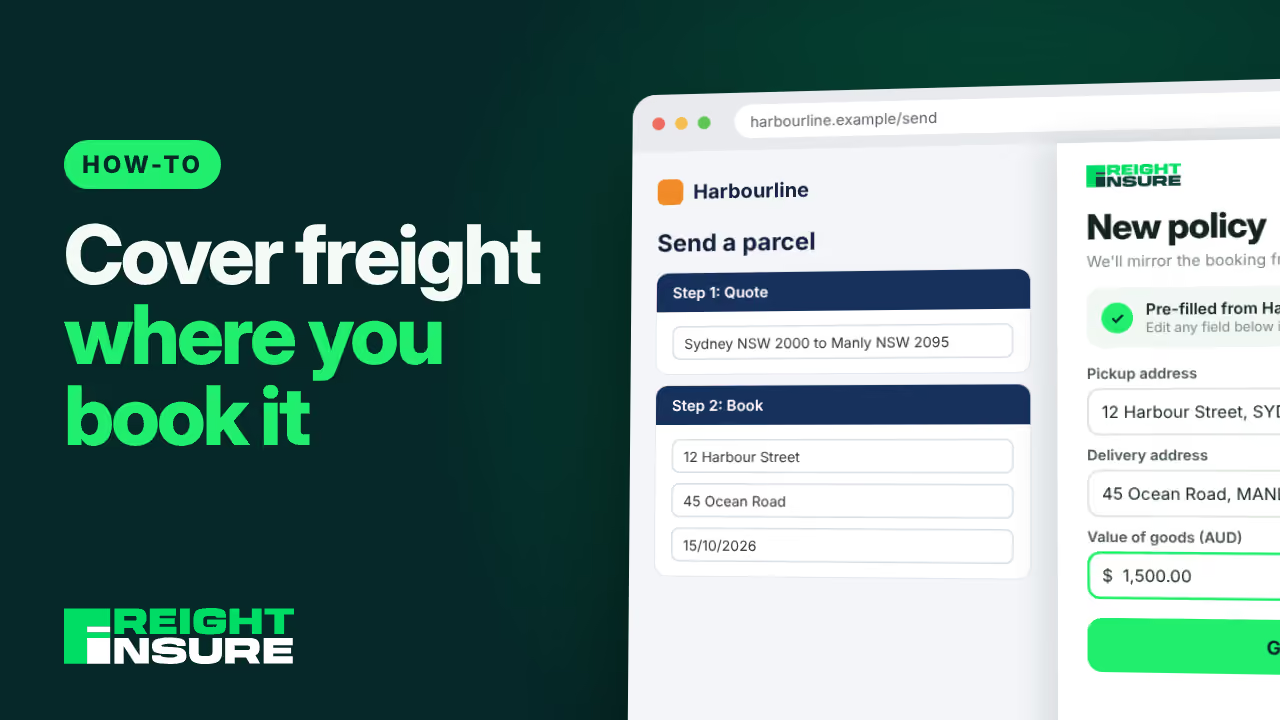
Play the video: how to cover freight where you book it

Cover freight where you book it

Quote and buy cover on supported carrier booking sites with the browser extension.

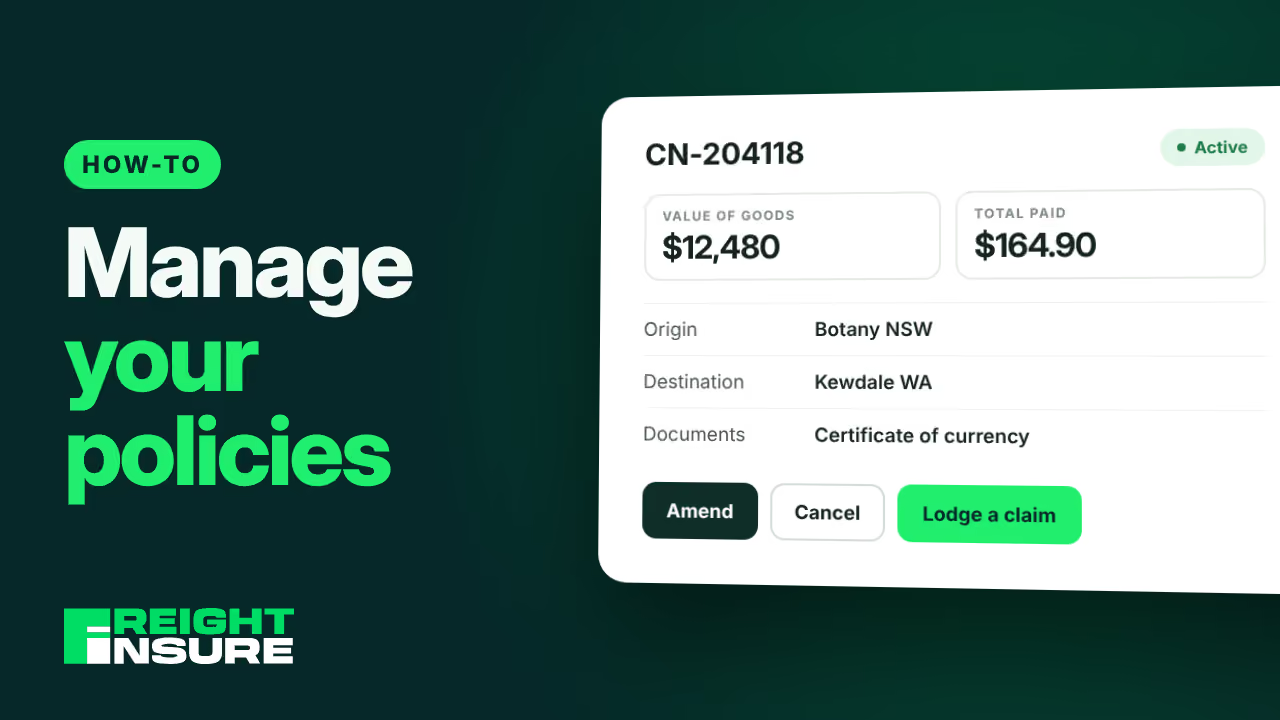
Play the video: how to manage your policies

Manage your policies

View, amend, cancel and export every policy from your FreightInsure account.

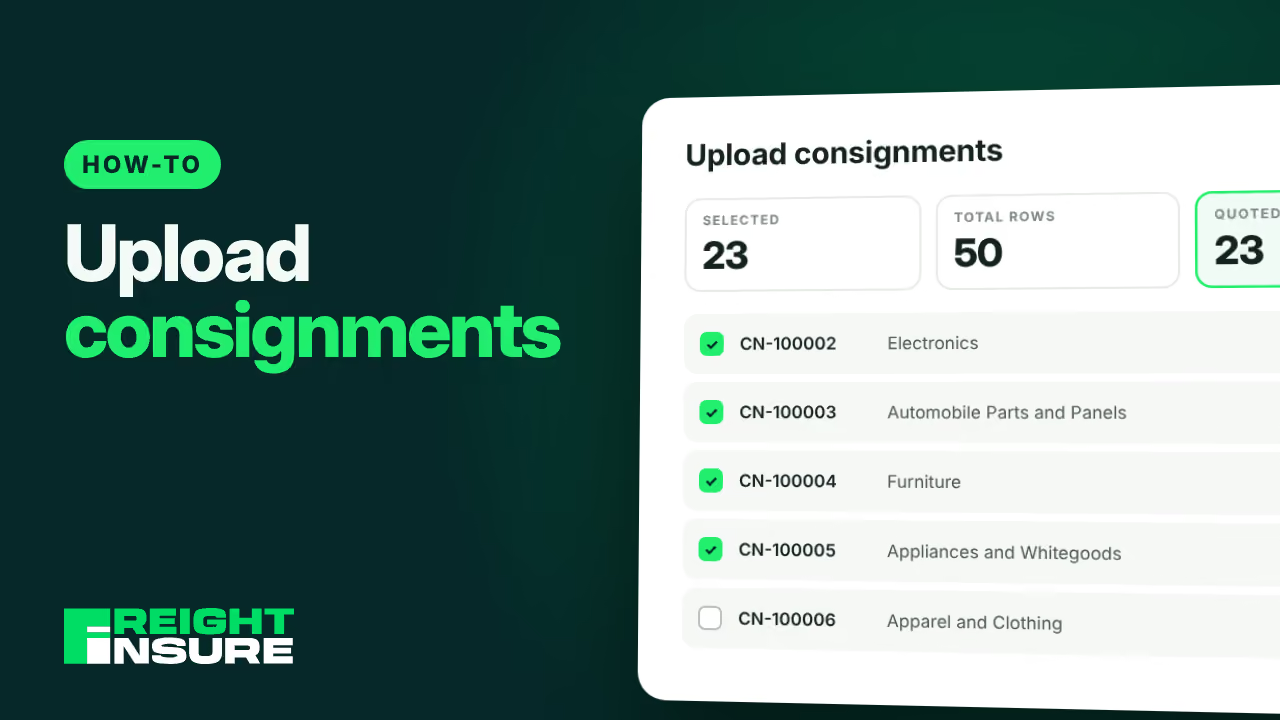
Play the video: how to upload consignments

Upload consignments

Upload a spreadsheet of consignments and cover the ones that matter in one go.

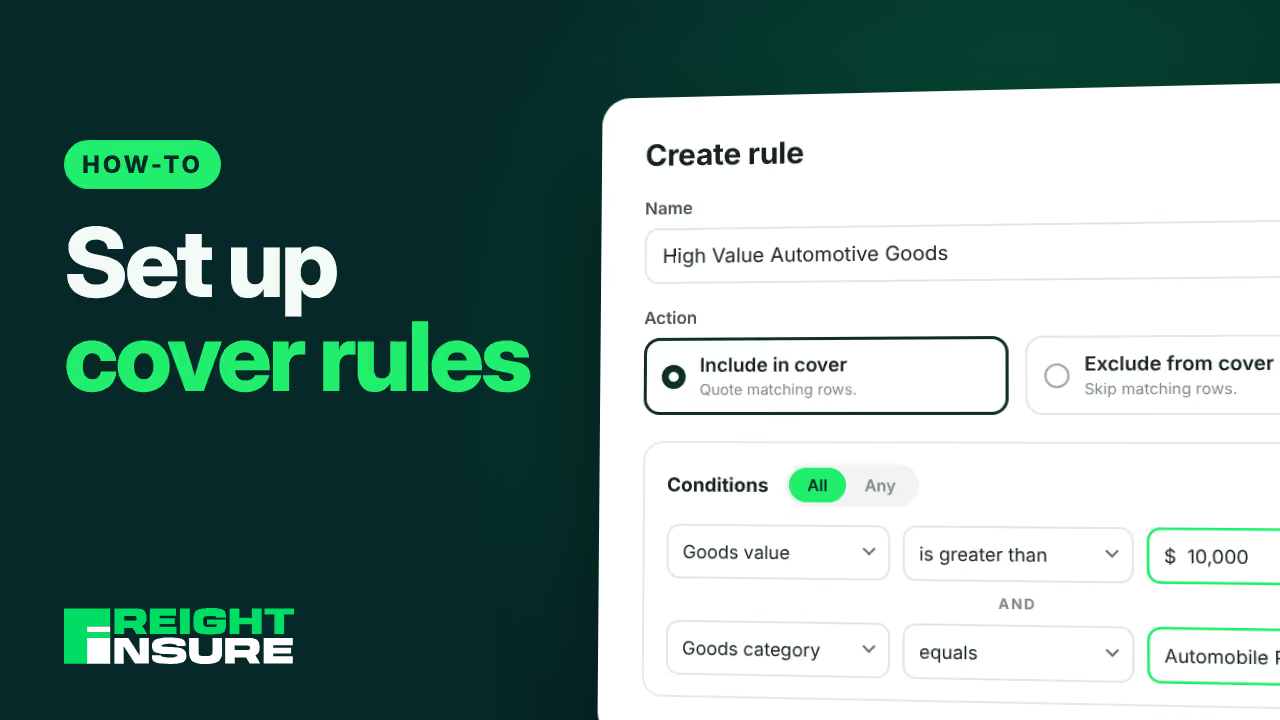
Play the video: how to set up cover rules

Set up cover rules

Create rules that choose which uploaded consignments get covered, so you don't pick rows by hand.
Australia Post logo
Team Global Express logo
DHL logo
CouriersPlease logo
Interparcel logo
Transdirect logo

All trademarks and logos are the property of their respective owners. Their use does not imply affiliation with or endorsement by them.

FreightInsure Icon Green and White

Want more control?

Create and manage your policies in one place.

With a FreightInsure account you can create policies, upload consignments, and view, amend, cancel and export your policies.